Instagram Reels movie finder
Find the movie or show from an Instagram Reel
Instagram Reels are full of movie and TV scenes: quote clips, edits, "POV" reposts and accounts that post nothing but cinematic moments. Most of them never say what the scene is from.
Copy the Reel link, paste it into SourceFinder, and get the movie or show name, the episode for TV, and where to stream it.


How it works
- Step 1
Copy the Reel link
Tap the share (paper plane) icon on the Reel, then Copy link.
- Step 2
Paste it into SourceFinder
Open SourceFinder and tap Paste Link.
- Step 3
Get the title and where to watch
See the title, episode and every streamer carrying it.
Built for reposted, cropped Reels
By the time a scene reaches your Reels feed it has usually been reposted several times, cropped to vertical and covered in captions. SourceFinder matches on the footage, so those versions can still be matched back to the original movie or show.
Private account? Screenshot it
If the Reel is from a private account or the link won't load, take a screenshot of the scene or screen record it and upload that to SourceFinder instead.
Most searched on SourceFinder
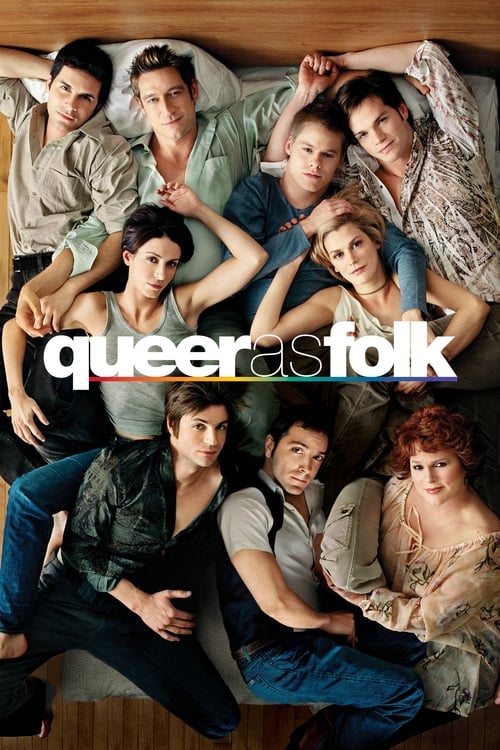
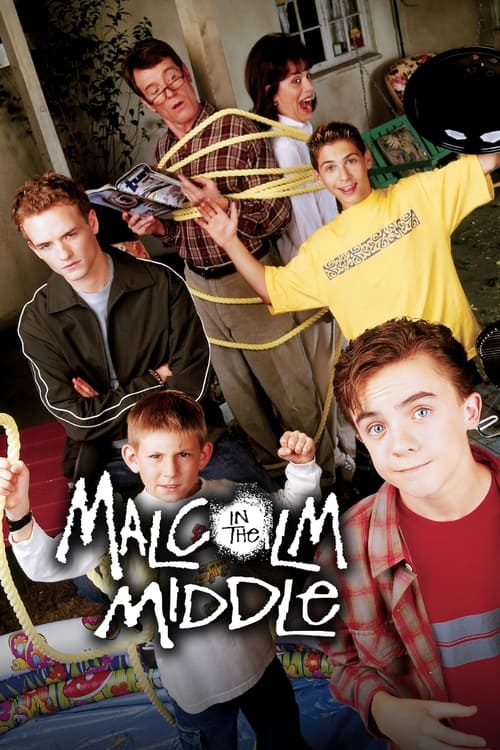
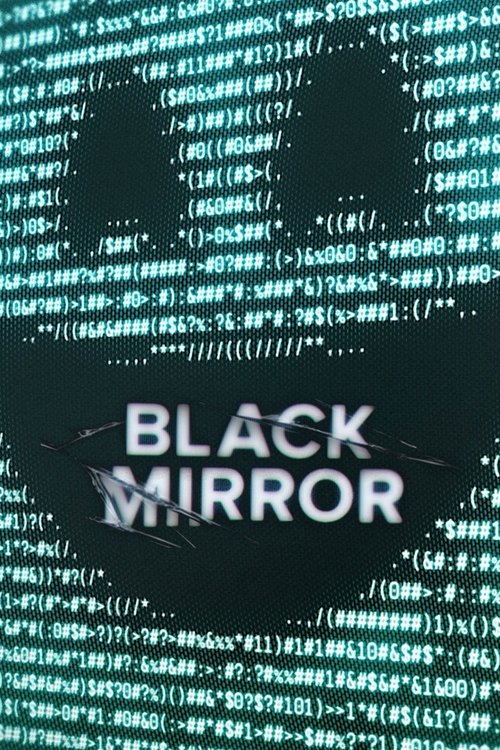
The movies and shows people keep finding in TikTok and Reels clips


Questions people ask
How do I find a movie from an Instagram Reel?
+
Tap the share icon on the Reel and copy the link. Paste it into SourceFinder and it identifies the movie or show and shows where to stream it. You can also upload a screenshot of the Reel.
Does it work with Instagram Stories?
+
Stories don't have shareable public links in the same way, so screenshot or screen record the Story and upload that to SourceFinder.
More ways to find a movie
Stop scrolling past the movies you want to watch
Download SourceFinder free on iPhone and Android. Paste a clip link, get the title, the episode and where to stream it.